After discovering just how much faster the marina’s Wi-Fi was outside Rasmunda, and spending rather more time than anticipated installing our new MikroTik equipment, there was one question left to answer. Had we actually solved the problem?
The Moment of Truth
If you’ve followed Parts 1 and Part 2 of our narrowboat Wi-Fi adventure, you’ll know that what started as a fairly straightforward idea had developed into something of a project.
All I really wanted was a decent internet connection inside Rasmunda.
Not an unreasonable ambition in 2026, you might think.
We use the internet for all sorts of things. There’s our website to maintain, books to work on, emails to answer, and the usual collection of phones, computers and television services that seem to have become essential parts of everyday life.
And when you’re living aboard a 60-foot steel narrowboat, having to step outside to get a decent Wi-Fi signal isn’t particularly appealing.
Especially as winter approaches.
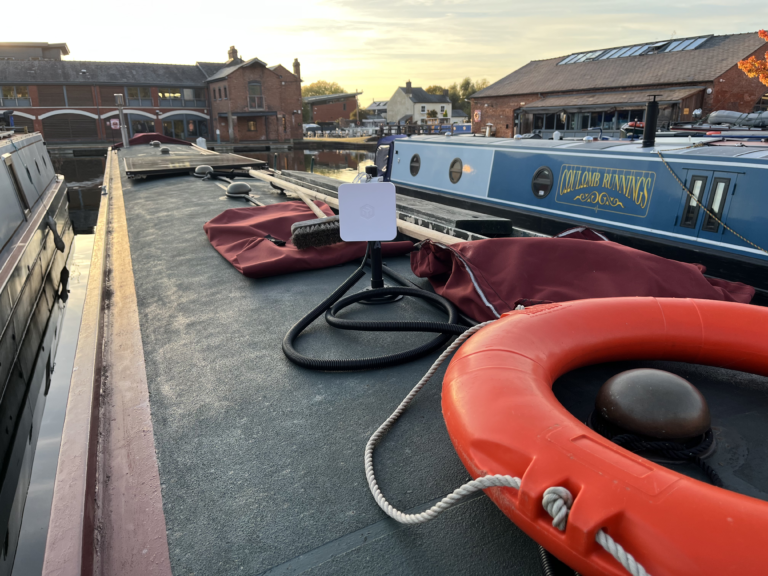
The new MikroTik system was installed, the cables were neatly routed, and our outdoor receiver was pointing towards the marina’s Wi-Fi equipment.
Everything appeared to be working.
But appearances can be deceptive.
It was time to see what the numbers said.
Remember Where We Started?
Back in August, I’d carried out a couple of speed tests that revealed just how much performance we were missing.
Connected to the marina Wi-Fi through our original TP-Link arrangement inside Rasmunda, I recorded a download speed of just 14.5 Mbps, with an upload speed of 19.5 Mbps.
That wasn’t completely unusable, but it was hardly impressive.
Then I stepped outside onto the pontoon with my iPhone 13, connected directly to the same marina Wi-Fi, and ran another test.
The result?
280.1 Mbps download and 187.7 Mbps upload.
I remember looking at those figures and thinking that something was very wrong with our arrangement inside the boat.
The marina clearly had a fast internet connection available.
We just weren’t making particularly good use of it.
And that was what started the whole MikroTik project.
The New System Settles In
Once everything was configured, our new indoor Wi-Fi network, Rasmunda2, was up and running.
The outdoor MikroTik SXTsq receiver was doing the difficult job of communicating with the marina’s Wi-Fi, while the indoor hAP router provided a wireless network for our own devices.
Our original InHand router and EE mobile connection remained available as a backup.
That was important to me.
I didn’t want to solve one problem by creating another, particularly if the marina’s Wi-Fi ever stopped working.
Initially, we were seeing download speeds in the region of 40–60 Mbps, sometimes better.
That was already a worthwhile improvement over the original arrangement.
But there was something else I hadn’t fully appreciated.
The outdoor receiver is directional, so its alignment towards the marina’s Wi-Fi equipment matters.
After we’d moved Rasmunda a few moorings closer to the marina’s Wi-Fi pole, I realised that the receiver was no longer pointing quite where it should.
A little adjustment improved the received signal to around −65 dBm.
Not bad at all.
And it was another reminder that even with good equipment, getting the installation right makes a difference.
A Rather Pleasant Surprise
Now we come to my favourite part of this little adventure.
Picture the scene.
I’m sitting in my armchair inside Rasmunda, beside our Refleks diesel stove.
It’s warm and comfortable, and I have absolutely no intention of going outside onto the pontoon to test the internet.
Which, of course, was rather the point of this entire exercise.
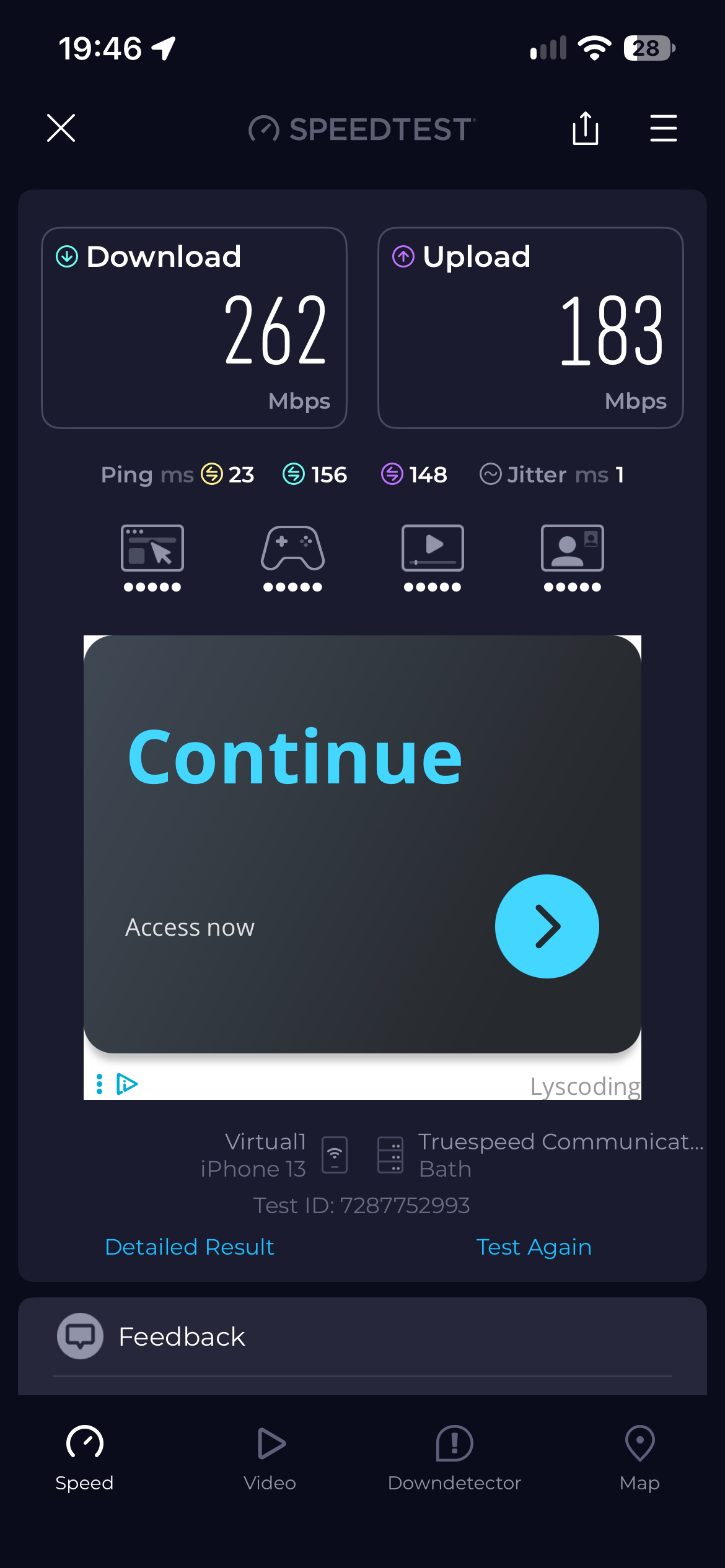
I picked up my iPhone 13, connected to Rasmunda2, and ran another speed test.
Download: 262 Mbps.
Upload: 183 Mbps.
Ping: 23 milliseconds.
I looked at the result.
Then I looked at it again.
Well, that’ll do nicely!
Remember, back in August, I’d recorded 280 Mbps outside on the pontoon.
Now I was getting 262 Mbps while sitting comfortably inside our steel narrowboat.
That’s roughly 94% of the download speed I’d measured outside, although the tests were taken on different days and network conditions can change.
Compared with the original 14.5 Mbps result, the new download speed was approximately 18 times faster.
Eighteen times!
I think even management might consider that a worthwhile improvement.
Particularly as the indoor router is black.
But Speed Isn’t Everything
It’s very easy to become obsessed with internet speed tests.
I know. I’ve probably run enough of them over the last few months to keep several testing companies in business.
But there’s something more important than a spectacular download figure.
Reliability.
A connection that delivers 250 Mbps for a few minutes and then disappears isn’t particularly useful.
I’d much rather have a steady connection that allows us to get on with everyday life without constantly wondering whether the internet is about to stop working.
And that’s where the new arrangement has made a real difference.
The television can stream programmes, our computers can access the internet, and we can work on the website without having to rely on a weak marina signal penetrating Rasmunda’s steel cabin.
There have been occasional hiccups along the way, and I’ve had to revisit some settings and check connections.
But that’s rather different from the frustration of the original arrangement.
The important thing is that we’ve now got a system designed for the job.
The marina Wi-Fi is received outside, and our own Wi-Fi is distributed inside.
Which, looking back, seems such an obvious solution.
Funny how often that happens.
What About When We Leave the Marina?
There’s one obvious limitation to our new system.
The MikroTik outdoor receiver relies on the marina’s Wi-Fi being available.
When we head out cruising, that connection won’t be following us along the canal.
That’s why I’ve kept the InHand router and its EE mobile connection.
The two systems serve different purposes.
When we’re at our marina mooring, Rasmunda2 gives us access to the marina Wi-Fi through the MikroTik equipment.
When we’re away, or if the marina connection becomes unavailable, we can use our existing mobile internet setup instead.
It’s not an automatic switchover arrangement. We simply connect to whichever network is appropriate.
And for the way we use Rasmunda, that suits us perfectly well.
Was It Worth the Trouble?
So, after all the research, the equipment purchases, the cable routing, the configuration sessions and the occasional head-scratching, would I do it again?
Absolutely.
The KUMA magnetic mounting pole means we can lower the outdoor receiver when approaching low bridges without having to remove a permanently fixed installation.
The Ethernet cable carries both data and power to the receiver, avoiding the need for a separate outdoor power supply.
The indoor MikroTik hAP provides our own wireless network, while the original EE mobile connection remains available.
And, most importantly, we’re finally getting the sort of internet performance that the marina’s Wi-Fi was capable of delivering all along.
Was it the cheapest possible solution?
Probably not.
Was it the simplest?
Certainly not when I was staring at the MikroTik configuration screens!
But it works, and it’s a system I understand well enough to maintain and adjust when necessary.
For someone who enjoys tinkering with electrical and electronic equipment, there’s a certain satisfaction in that.
Although I suspect Ann is simply pleased that the internet works and I’ve stopped talking about routers quite so much.
For now, anyway.
A Few Lessons Learned
If there’s one thing I’d pass on to anyone struggling with internet access aboard a steel narrowboat, it’s this:
Don’t automatically assume the internet service itself is slow.
Test it outside the boat.
Compare that with what you’re receiving inside.
If there’s a substantial difference, the problem may be how you’re receiving or distributing the connection rather than the connection supplied by the marina.
And if you decide to install an outdoor receiver, think carefully about how it will be mounted, how you’ll route the cable and what happens when you encounter a low bridge.
What works perfectly well on a house isn’t necessarily suitable for a narrowboat.
Finally, Back to the Settee
So that’s the end of our three-part narrowboat Wi-Fi adventure.
We started with a disappointing 14.5 Mbps connection inside Rasmunda.
We discovered that the marina Wi-Fi was capable of delivering considerably more.
We installed a dedicated outdoor receiver, ran the cable, configured the equipment and made a few adjustments along the way.
And eventually, sitting in my old armchair beside the Refleks stove, I recorded 262 Mbps download and 183 Mbps upload.
Since then, there’s been another rather welcome improvement aboard Rasmunda.
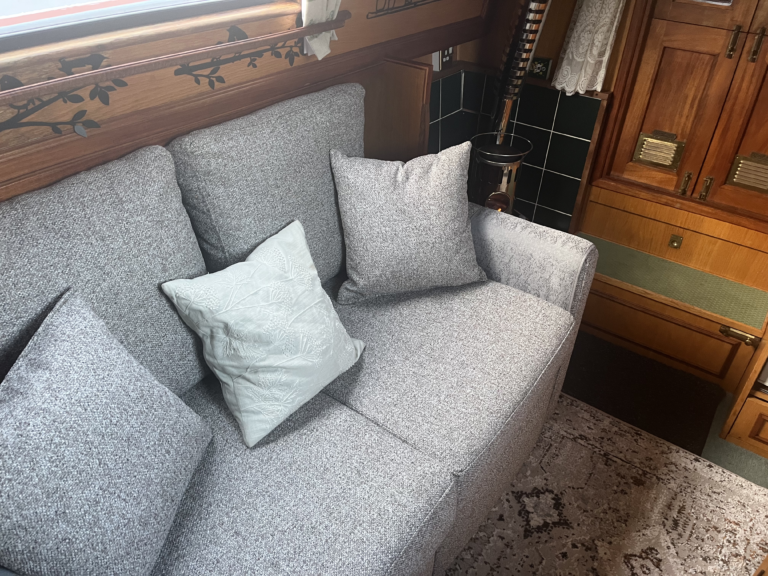
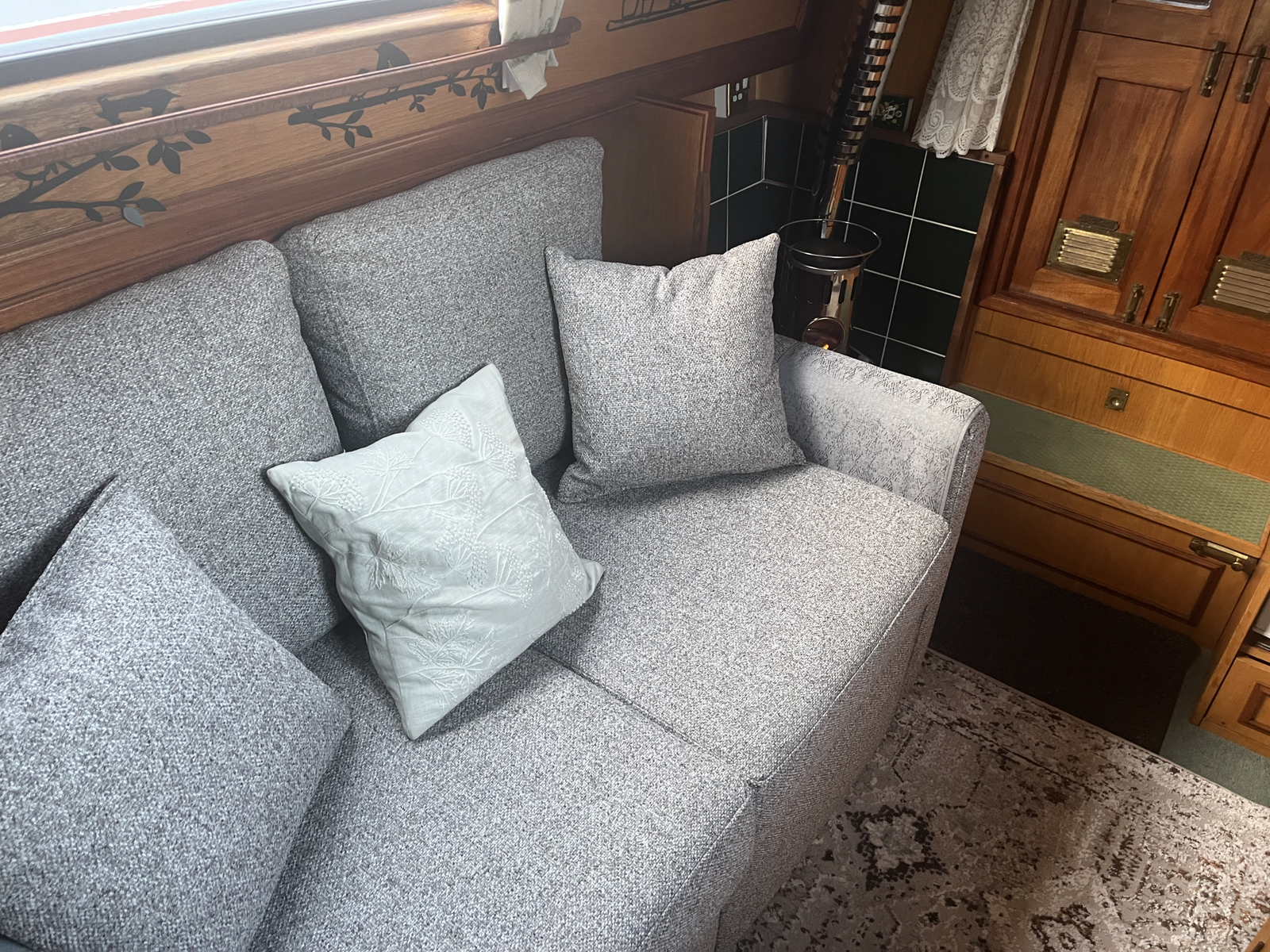
The armchair has finally gone, and we have a settee!
So now we can both sit comfortably, enjoy the warmth from the Refleks stove and use the internet without worrying about buffering.
I think we can call that progress on two fronts.
Now, if you’ll excuse me, there’s a rather comfortable settee waiting.
And possibly something worth watching on television.
Without the buffering.
Hopefully! 😂